
Now on the App Store
Thoughts
worth
returning to.
A line from a book. A thought of your own. Keep it with its source and your note — and meet it again when it matters.
Free · iPhone with iOS 18+ · Start without an account
Also trying Margent on Android? Join the beta
Margent / A private library of thoughtsKeep. Return. Share.
A little closer
Your thoughts.
A place of their own.
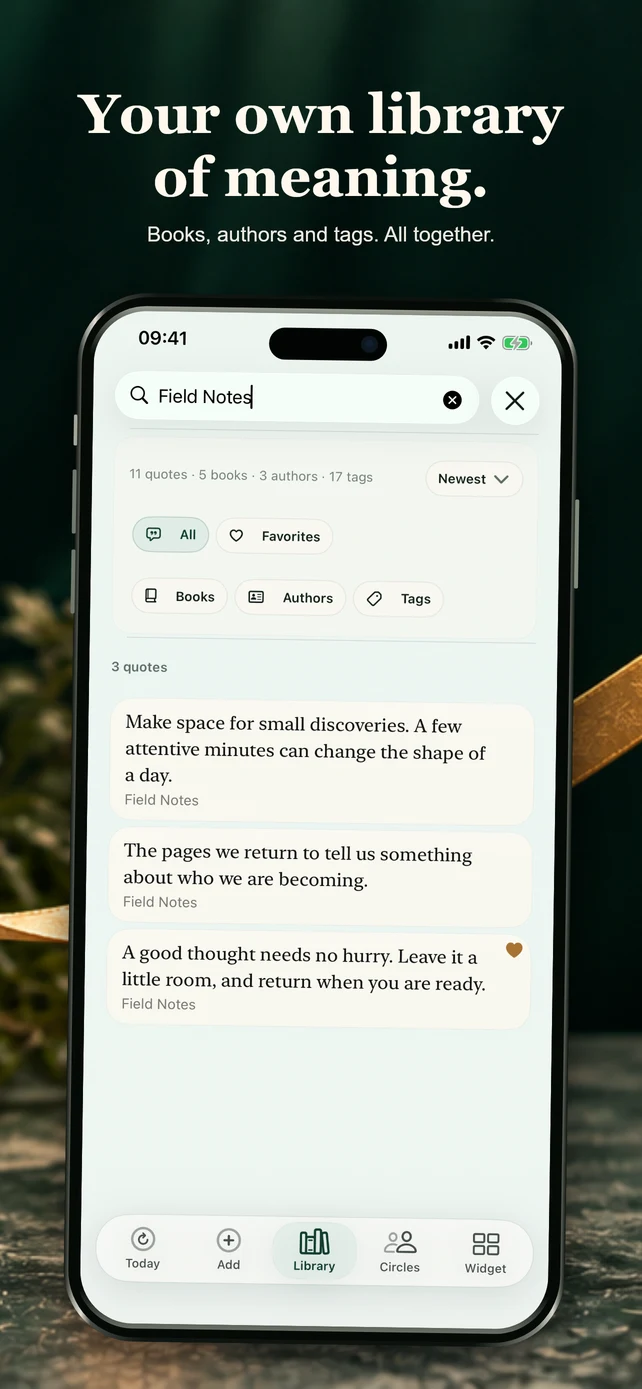
From the first saved line to a library you want to open again. Take a look at Margent.
How Margent works
Keep what you want to return to.
Three steps keep a meaningful thought from disappearing after you read it.
- 01
Save
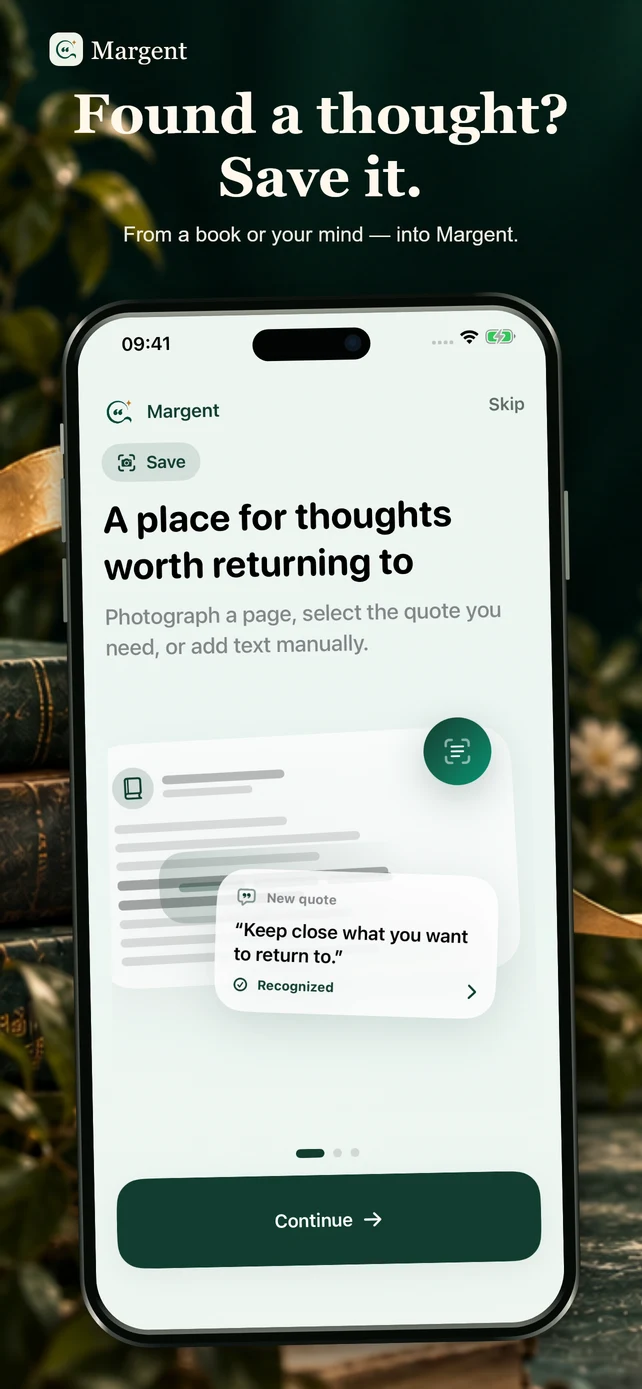
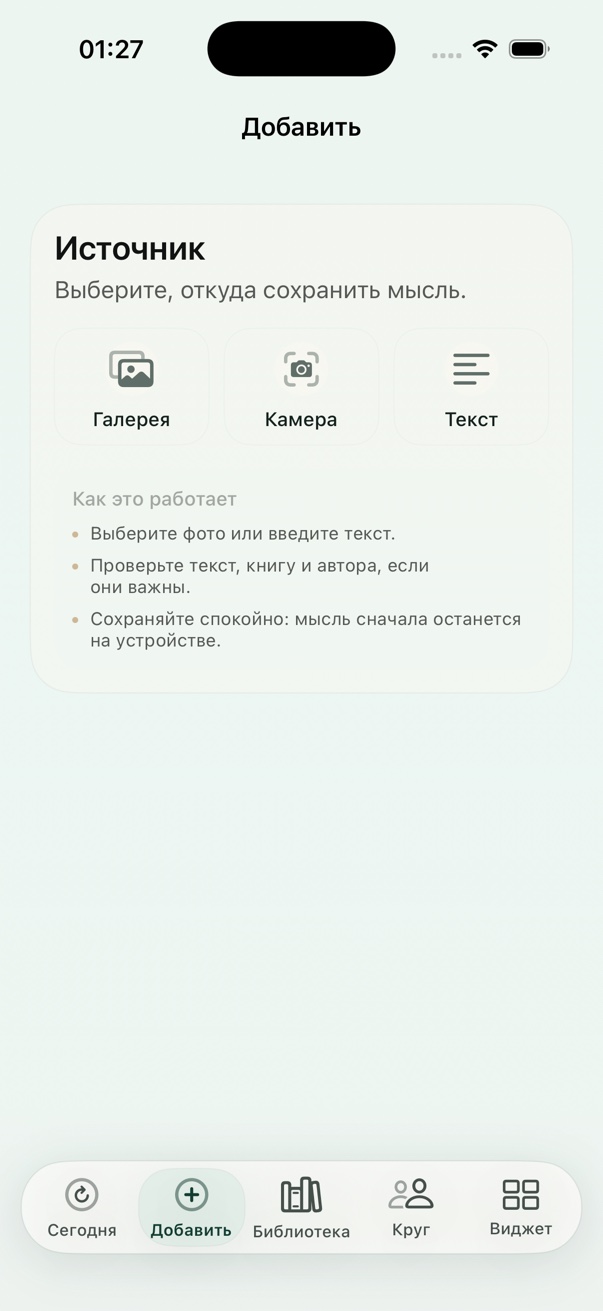
Photograph a quote or write down a thought.
- 02
Add context
Note why the thought resonated with you at this moment.
- 03
Meet it again
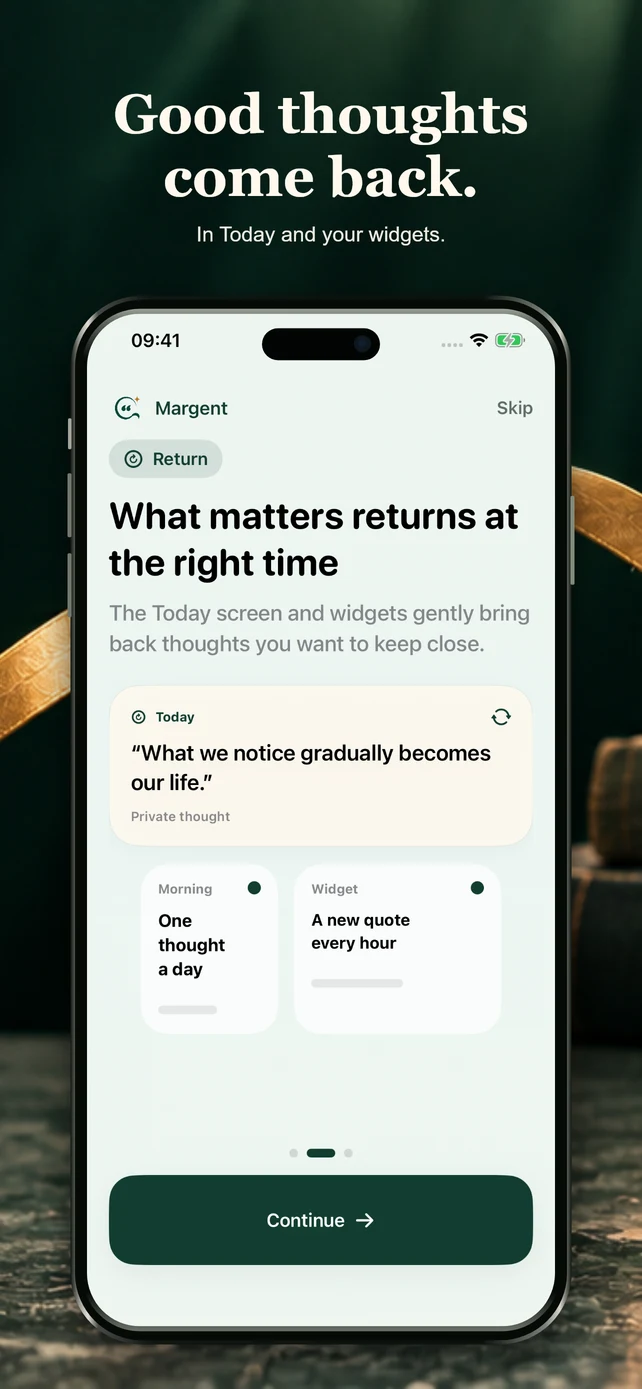
See it on the Today screen or in your widget.
Recognition from photos
A quote without retyping.
Photograph a page or choose an image from your library. Margent recognizes the text and lets you review it before saving.
Camera and photo libraryText reviewSource and note

“Attention is a rare form of generosity.”
Widgets
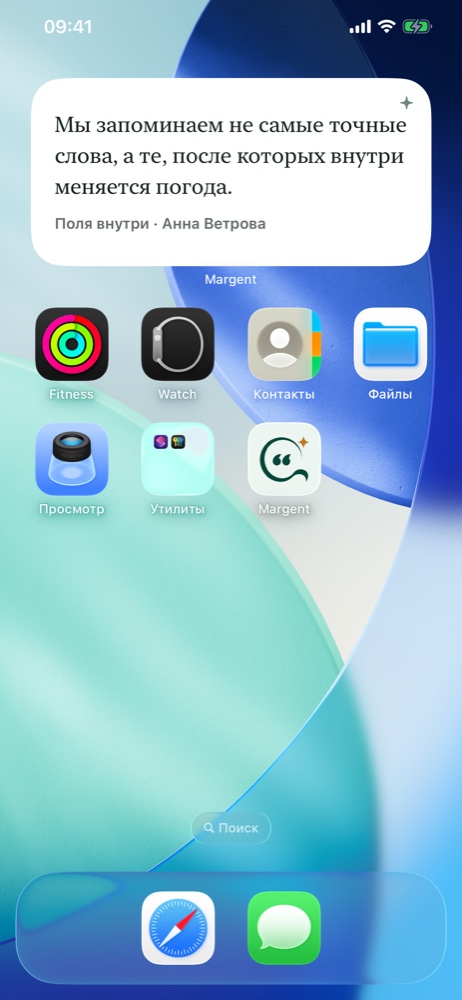
What matters stays close.
Choose the size, style, and source of quotes. The widget quietly brings saved thoughts back to your Home Screen.
A quiet product
Room for substance, not noise.
No ads, ratings, or algorithmic race for attention.
Your main library stays on your device and works offline.
Optional, never automatic
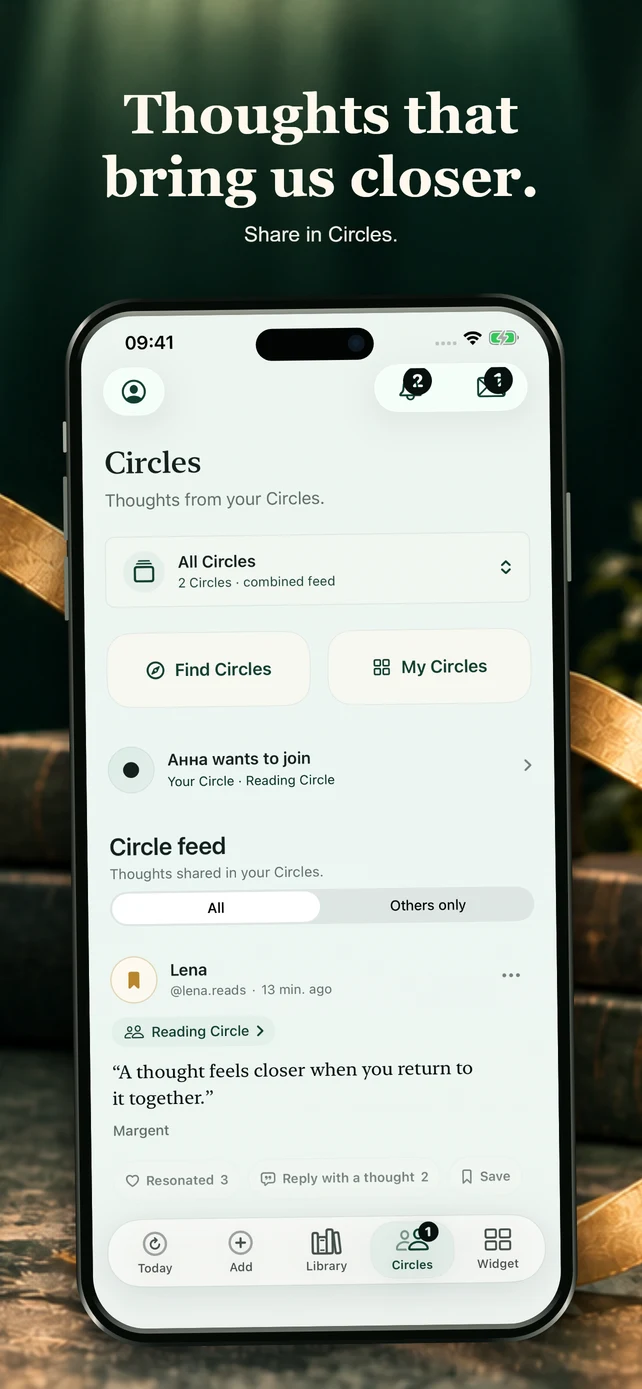
Share thoughts in the circles you choose.
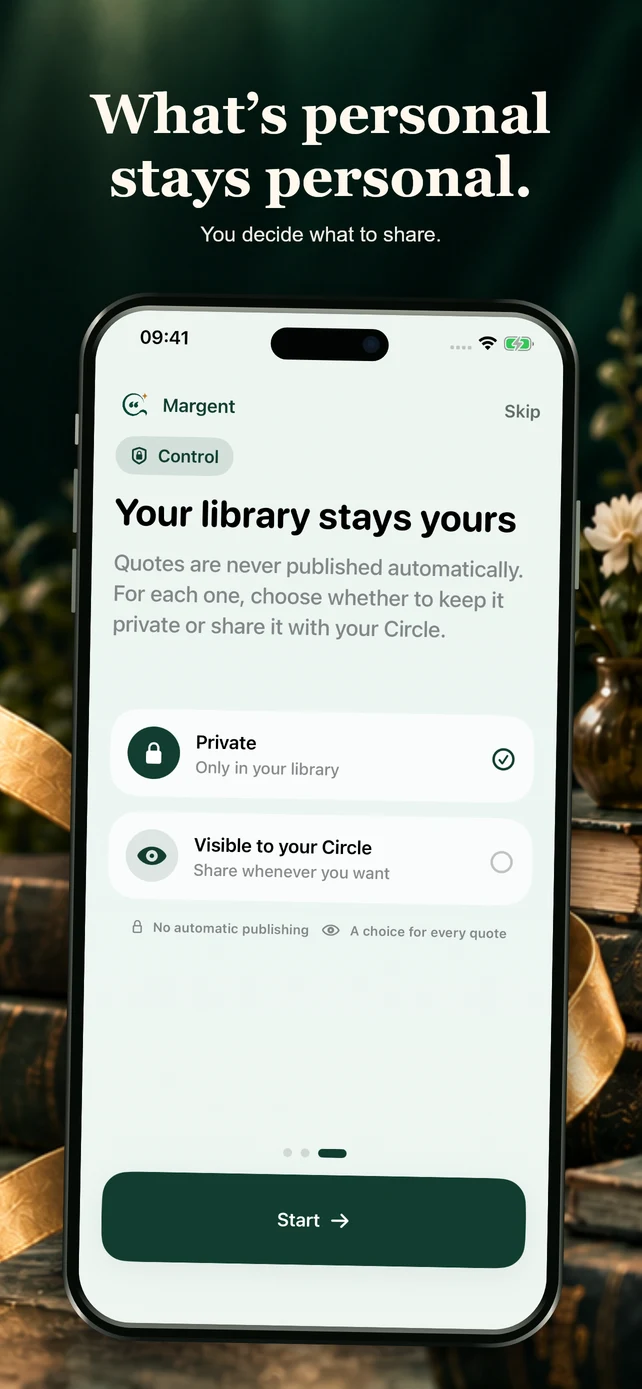
Save a thought, return to it later, and share it in a Circle if you wish. Set your Circle to private, approve join requests, or open it to new members.
- The owner chooses access
- One feed for selected circles
- Nothing is published automatically
For someone else’s material, include the author and source and make sure you have the right to share it. Publishing rules
Your circle4 members
Shared thought
“Sometimes someone else’s margin note helps us see a familiar page differently.”From a private library
Access stays under your controlThe rest of the library is private
The main library works locally.
Quotes, notes, sources, tags, settings, and return history are stored on your device.
Server features start after sign-in.
Your account enables sync, a profile, data export, and deletion. If the app asks you to accept the terms, do so separately from optional email.
Only thoughts you select are shared in a Circle.
The owner chooses private, request-to-join, or open access. Nothing is published automatically, and the rest of the library remains private.
No ads or third-party advertising identifiers.
Margent does not sell personal data or track people across apps and websites.
Make room for a thought
Keep the next
thought that matters.
Margent is free on the App Store. Start with your own private library; sign in when you want sync and Circles.
iPhone · iOS 18 or later. Android remains a separate beta; see its installation page for current limitations.
Margent feedbackShare an idea or report a problem Write to us: hello@tuaev-dev.ru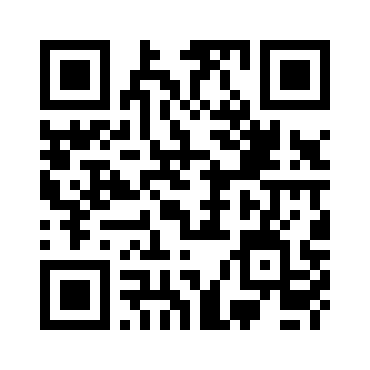 From this screen
to your iPhone.Scan with the iPhone camera
Is Margent free?
Yes. The current version is free, with no ads or paid subscription.
Do I need an account?
You can keep a personal library on your device without signing in. An account is needed for synchronization and Circles.
What device do I need?
An iPhone with iOS 18 or later. For Android 8 or later, a separate beta is available on the APK installation page.
How do I send feedback?
Use the Margent feedback form and describe what happened. You can attach a screenshot or email hello@tuaev-dev.ru.
How the product was made
The value is not only in saving a thought.
Margent’s key product decision is to return a saved thought when there is attention for it again.
- 01 · Problem
Quotes and meaningful thoughts disappear among notes, photos, and bookmarks.
- 02 · Solution
Quote recognition, personal context, library, Today screen, and widgets.
- 03 · Author’s role
Product concept, UX/UI, language, iOS and Android development, and continued product work.
- 04 · Status
iPhone is available on the App Store. Android is in public beta testing.